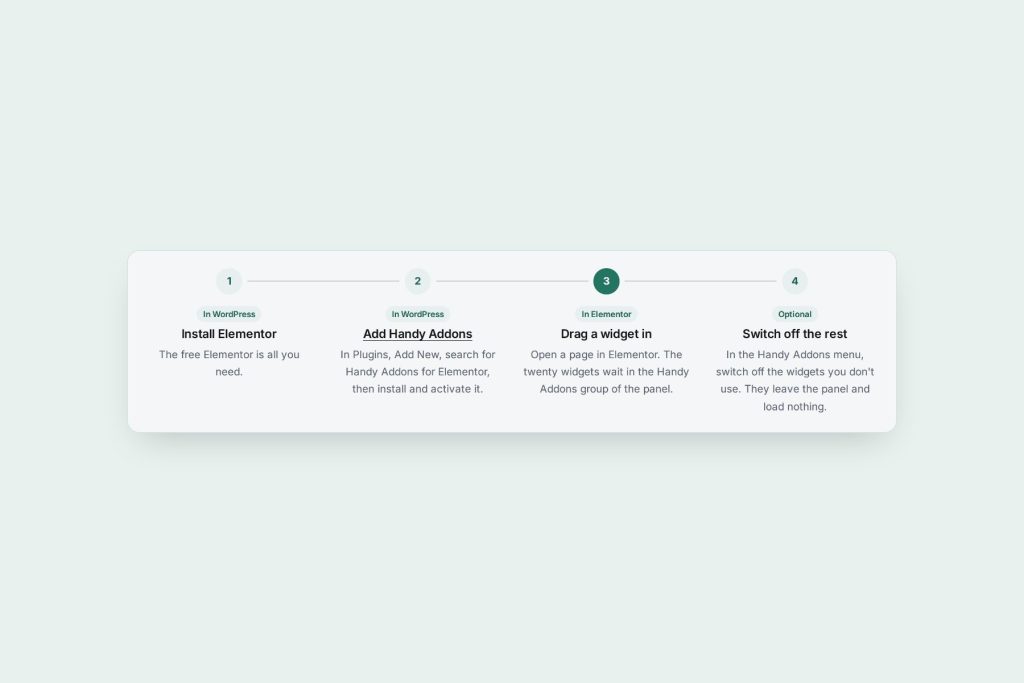
Getting started with Handy Addons
Install the plugin, find the widgets in Elementor, fill one in and give it a design. Five minutes, with no…
Guides to getting started and to the jobs people do most, and a guide to every widget's settings on its own page.
Install the plugin, find the widgets in Elementor, fill one in and give it a design. Five minutes, with no…
Read more
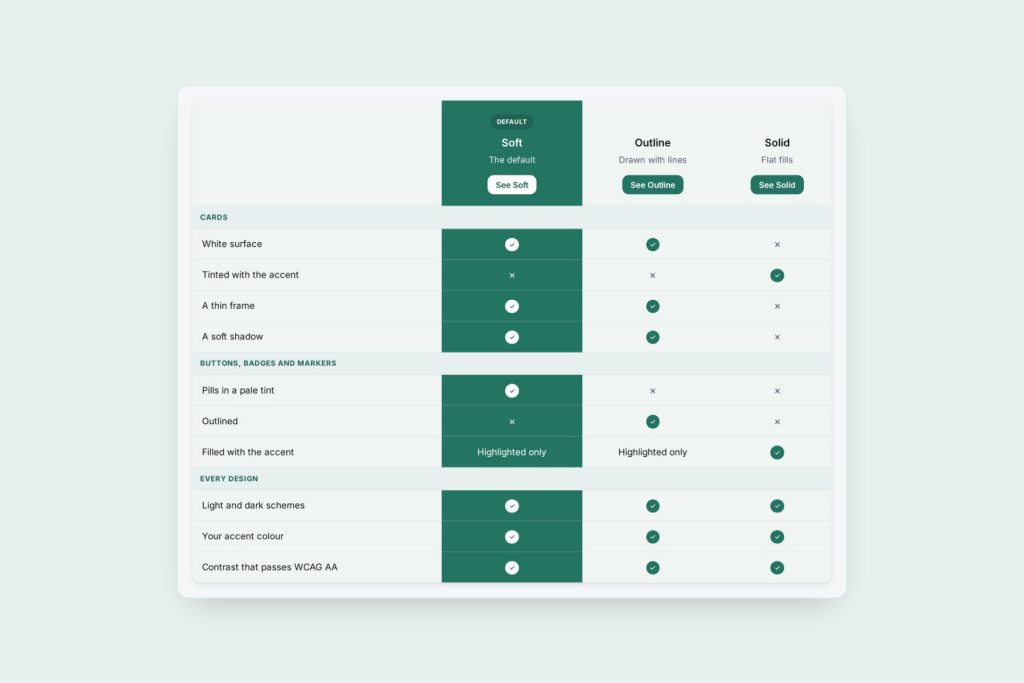
Every widget comes in three designs, each with a light and a dark colour scheme. Here's what tells them apart,…
Read more
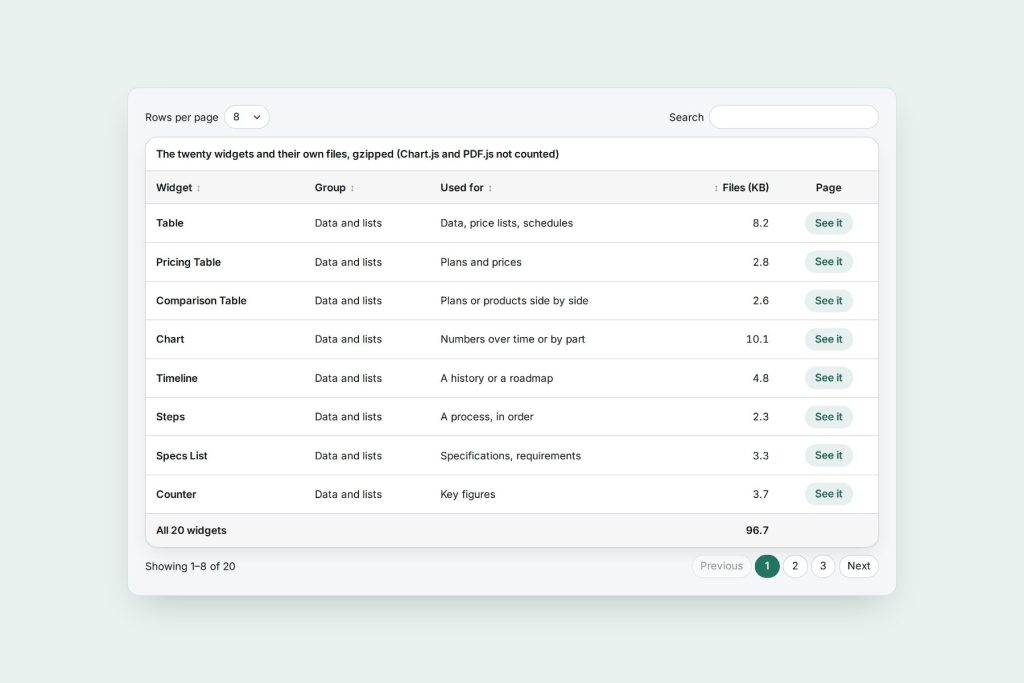
Paste cells from Excel or Google Sheets, or import an Excel, CSV or JSON file, or a link. Then turn…
Read more
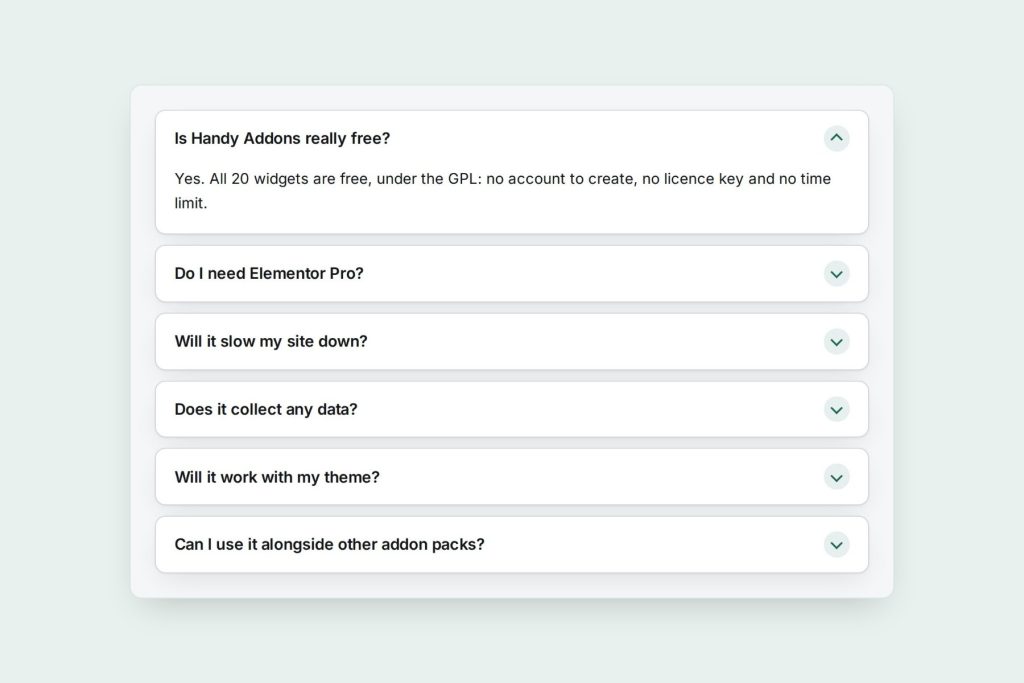
Questions that open one by one, a search box for long lists, links that open a given answer, and FAQ…
Read more
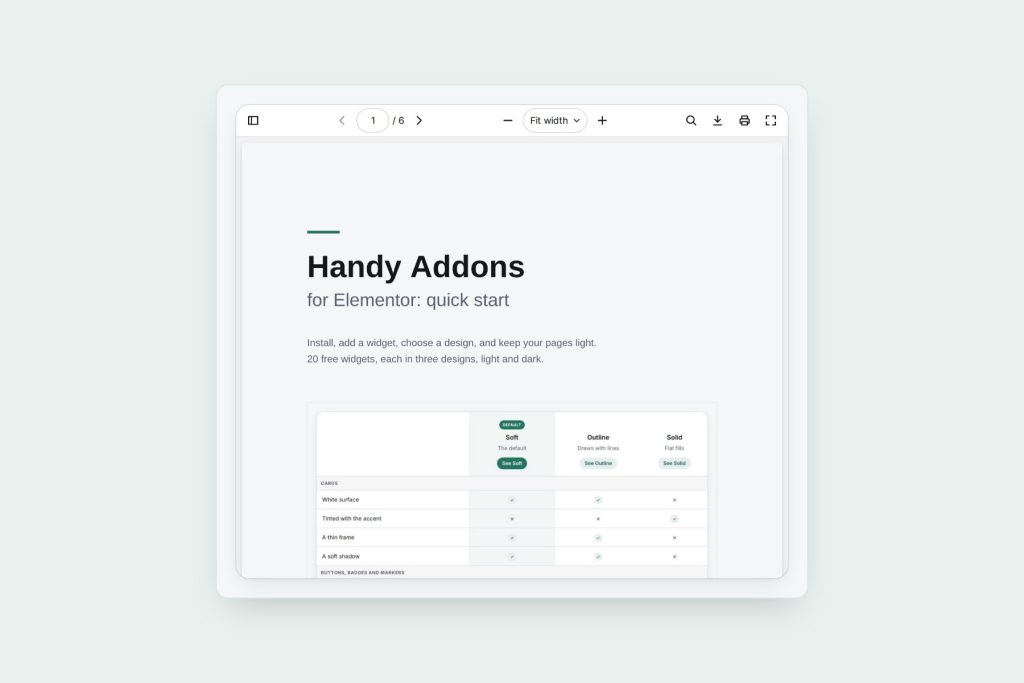
Let visitors read a PDF without leaving the page: pages, thumbnails, search, zoom, download and print, drawn on your own…
Read more
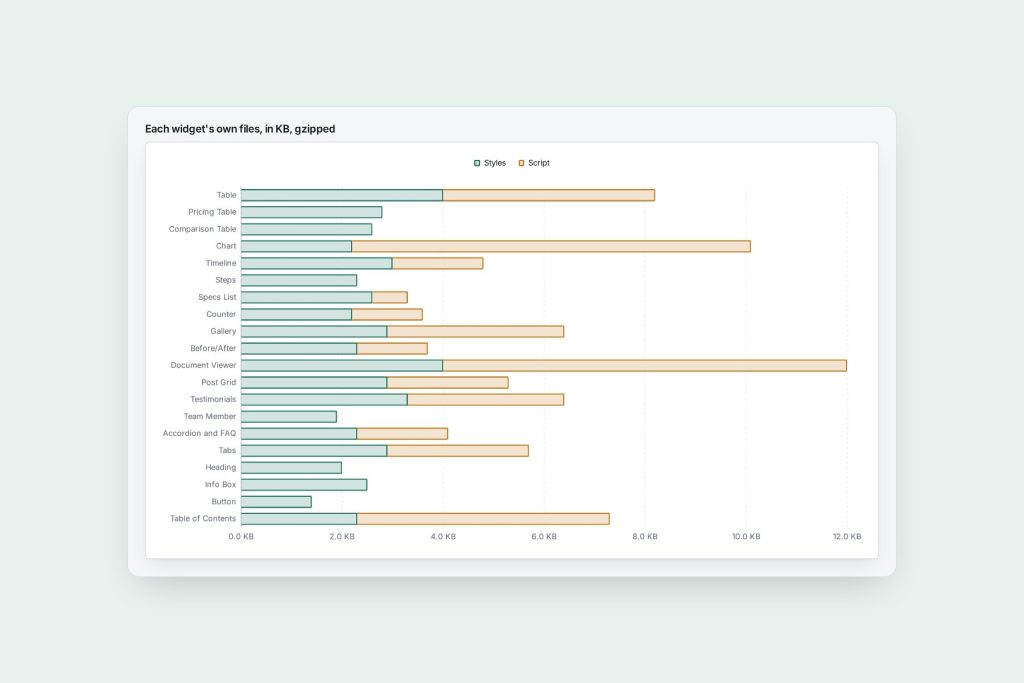
How Handy Addons loads only what a page uses, and how to switch off the widgets you don't need at…
Read more
Every widget's page ends with how to use it: the steps, and what each tab of its panel holds.
Install Handy Addons from WordPress.org, open a page in Elementor, and find them in the Handy Addons group of the panel.
May we count visits with Google Analytics, to learn which pages help? It sets cookies, so it runs only if you agree. Privacy policy