Docs / Guides
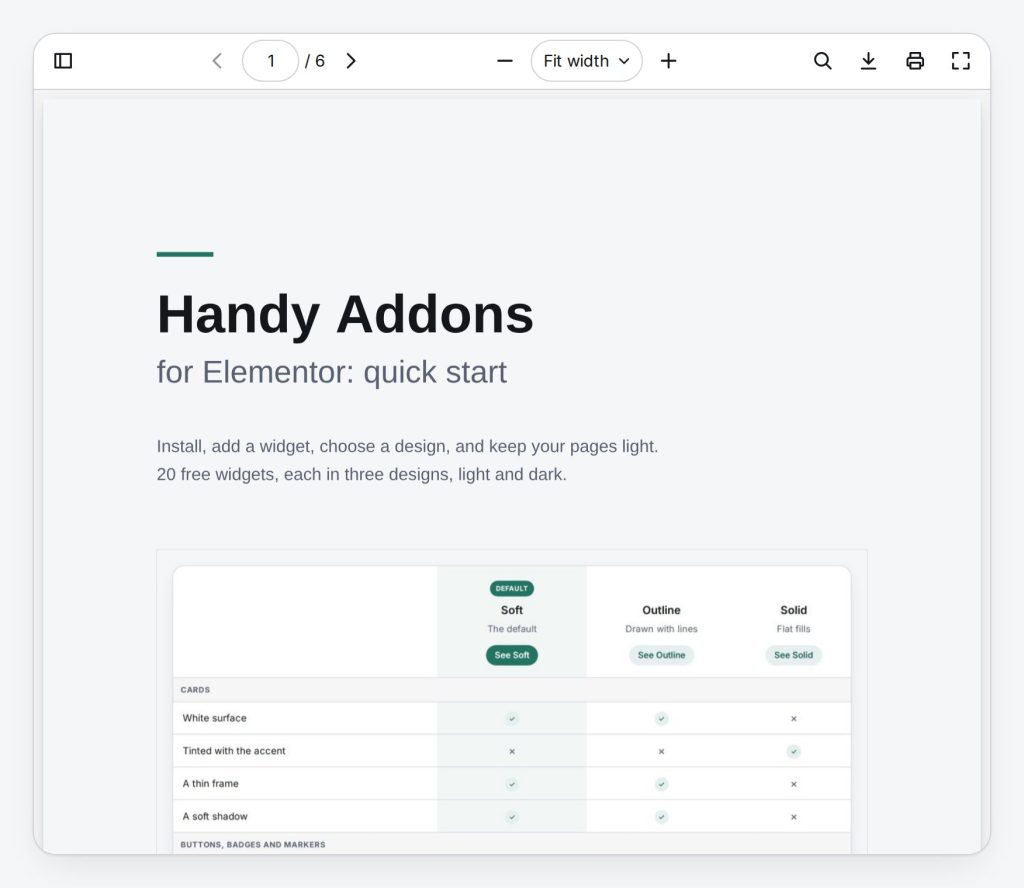
Let visitors read a PDF without leaving the page: pages, thumbnails, search, zoom, download and print, drawn on your own site.
Guide · 2 min read
Add the Document Viewer widget and choose a PDF from the media library, or paste the address of one online. That’s it: the viewer sizes itself to a page and shows the first one.
A file on another site shows only if that site allows it. If it doesn’t, the editor tells you, and visitors get a link to the file instead.
One page at a time, the default, or every page one under another. Set the page to open on and the zoom: fit the width, fit the page, or a percentage.
The toolbar sits at the top, at the bottom, at the top with the page buttons below as well, or nowhere. You choose which buttons it has: the side panel with thumbnails and the PDF’s own contents, search, download, print and full screen.
PDFs are drawn by PDF.js, which comes with the plugin, so the file never leaves your site. The viewer loads only when it comes near the screen, and keeps its height from the start, so nothing on the page jumps.
For a Word, Excel or PowerPoint file, or a Google Doc, Sheet or Slides, choose that kind of document first. These are shown by Microsoft’s or Google’s online viewer, so visitors’ browsers connect to them; the panel says so.
A PDF readable on the page, sharp on any screen, with pages, zoom and full screen, and a plain link when it can't be shown.
Questions and answers, or any sections, that open one at a time or together, with FAQ schema if you want it.
A link that looks like a button, with an icon before or after its text, a second line, three sizes and calm hover effects.
Install Handy Addons from WordPress.org, open a page in Elementor, and find them in the Handy Addons group of the panel.
May we count visits with Google Analytics, to learn which pages help? It sets cookies, so it runs only if you agree. Privacy policy